
此頁面尚未翻譯,以英文顯示。
Resetting settings
If your setup gets into a muddle, you can put every preference back to how TraceDraw comes. Your drawings are never touched.
To reset every setting
- Choose Reset all settings on the General page of Tools > Options > Global.
- Or press F8 while the splash screen shows as TraceDraw starts.
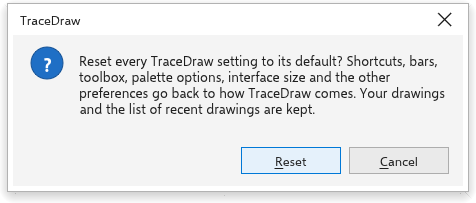
TraceDraw asks first. Reset puts back every preference, but keeps the list of recent drawings, the last folder and the size of the window. Cancel changes nothing.
To reset only some things: the toolbox and the bars have their own reset commands (see The workspace), and choosing a built-in workspace sets its own bars (see Workspaces).