
此頁面尚未翻譯,以英文顯示。
Global options
Tools > Options > Global holds the settings that apply to the whole program: language, printing and export defaults, tracing, messages and where files are kept.
General
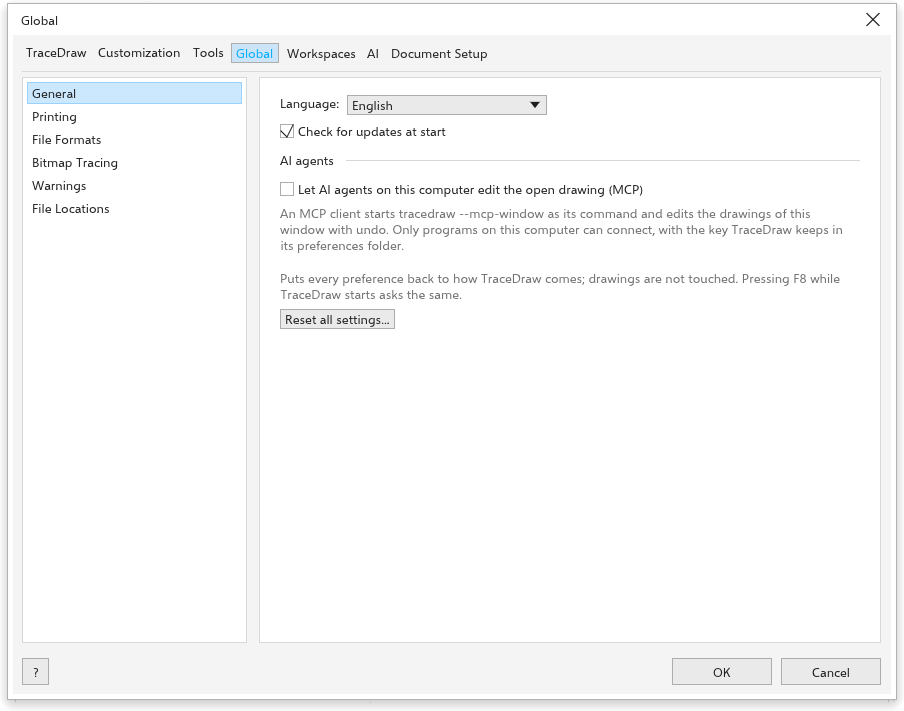
- Language: the language of the interface. This Help opens in the same language.
- Check for updates at start (on): see Checking for updates.
- AI agents: Let AI agents on this computer edit the open drawing (MCP) lets AI assistants on this computer edit the open drawing; see Scripts.
- Reset all settings: see Resetting settings.
Printing
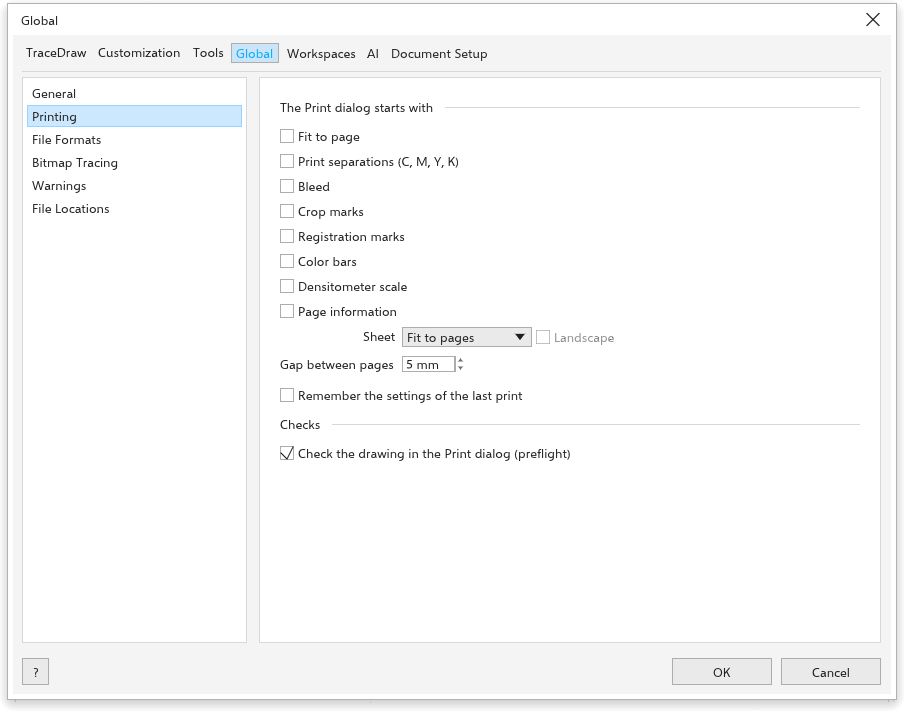
The Print dialog starts with: Fit to page, Print separations (C, M, Y, K), Bleed, Crop marks, Registration marks, Color bars, Densitometer scale, Page information (all off), the Sheet, Landscape and the Gap between pages (5 mm). Remember the settings of the last print keeps the choices of the last print. Under Checks, Check the drawing in the Print dialog (preflight) (on). See Printing a drawing.
File Formats
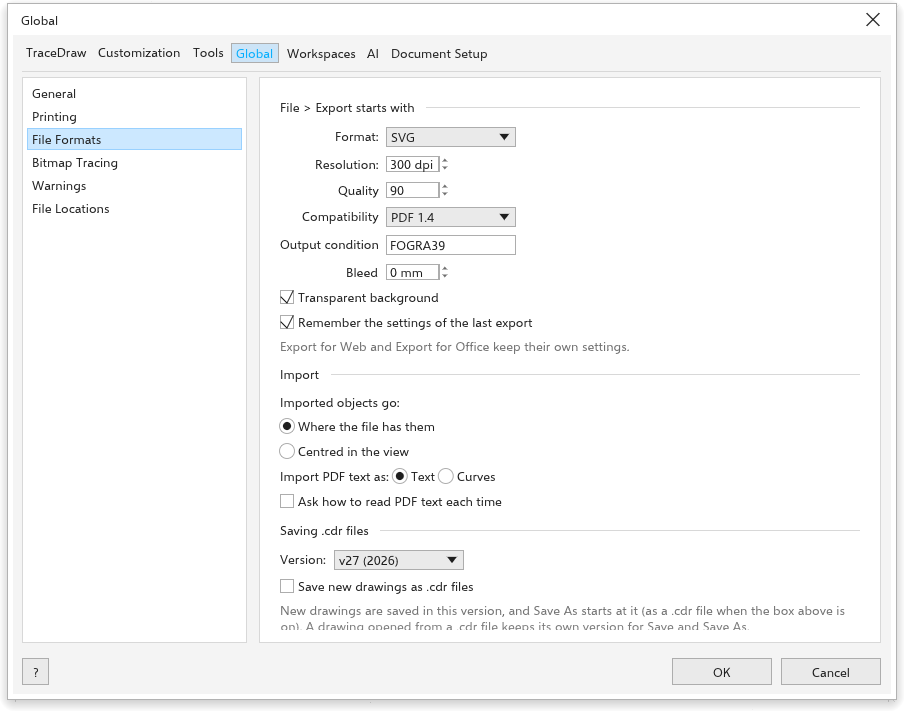
- File > Export starts with: the Format (SVG), the Resolution of bitmap formats (300 dpi), the Quality of JPEG and WebP (90), Transparent background (on), the Compatibility, the Output condition and the Bleed. Remember the settings of the last export keeps the choices of the last export.
- Import: Imported objects go Where the file has them (at first) or Centred in the view.
- Saving .cdr files: the Version new drawings are saved in as
.cdr.
Bitmap Tracing
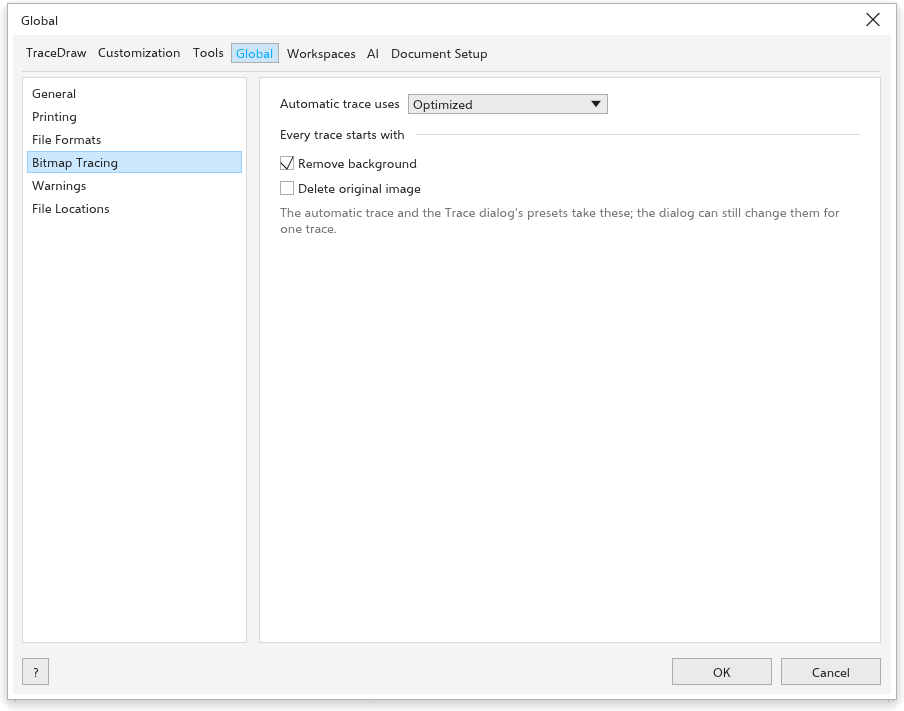
Automatic trace uses one of the presets (Flat Colors at first). Every trace starts with Remove background (on) and Delete original image (off). See Tracing bitmaps.
Warnings
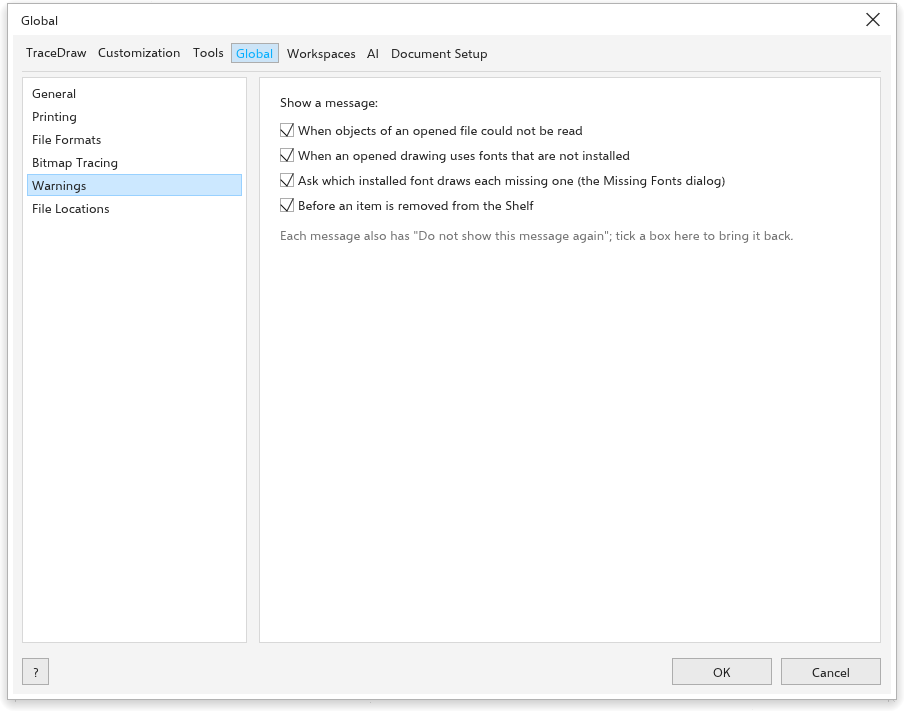
Show a message When objects of an opened file could not be read, When an opened drawing uses fonts that are not installed and Before an item is removed from the Shelf (all on). Each message also has a box that stops it; tick the option here to see it again.
Ask which installed font draws each missing one (the Missing Fonts dialog) (on) shows the Missing Fonts dialog box when a drawing opens with fonts that are not installed; see Missing fonts. It is separate from the plain message above.
File Locations
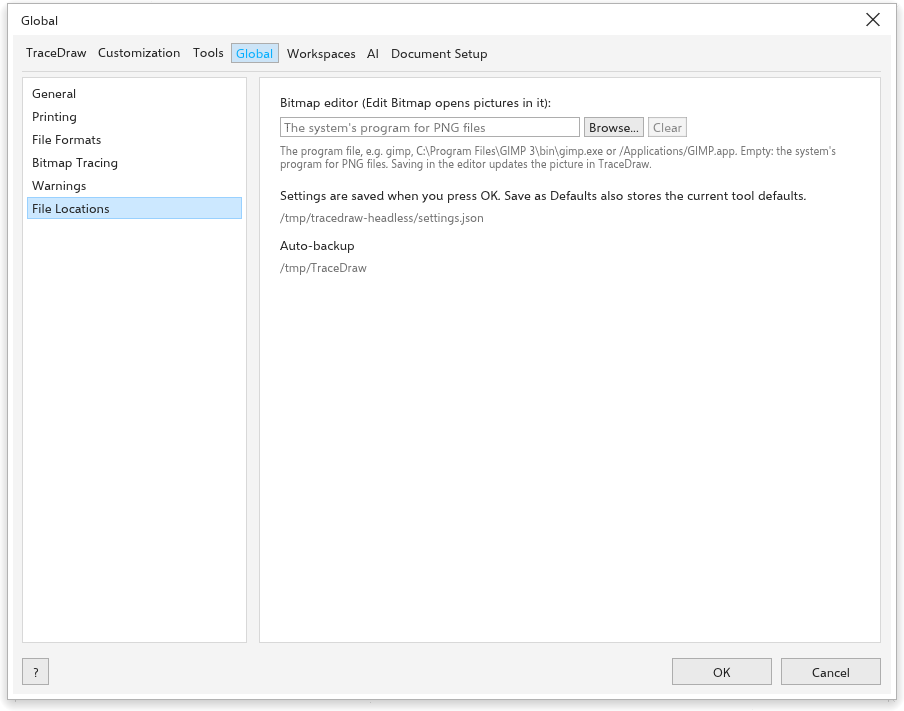
Shows where the preferences and the auto-backups are kept. The preferences are in a tracedraw-settings folder next to the program when there is one (a portable copy), otherwise in your system's place for program settings; the browser version keeps them in the browser.