
Эта страница ещё не переведена и показана на английском.
Object data
The Object Data panel attaches your own information to an object, as named fields: a part number, a price, a note. The data is saved with the drawing and goes with the object when you copy it.
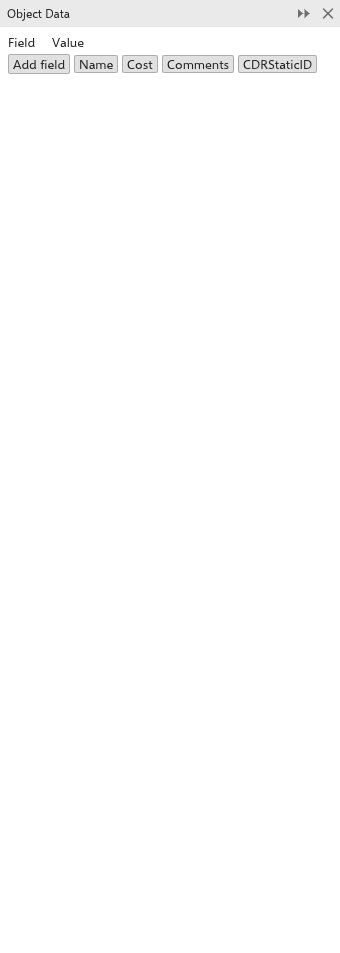
Adding and editing data
- Select an object. With nothing selected, the panel says Select an object..
- The panel lists the object's fields in two columns, Field and Value. Click a name or a value to edit it.
- Click Add field to add a field, or one of the buttons for a common field: Name, Cost, Comments and CDRStaticID.
- Click the x at the end of a row to remove the field.
When the selected objects have a Cost field with a number, the panel shows their total cost.
Some features keep their own data in objects, such as dimension lines, callouts, connectors and anchors; you rarely need to change those fields by hand.