
Color styles
A color style is a named color used by objects of the drawing. Change the style and every object filled with it changes too, which keeps a design's colors consistent and makes it quick to try other color schemes. The styles are listed in the Color Styles panel; open it from Window > Panels.
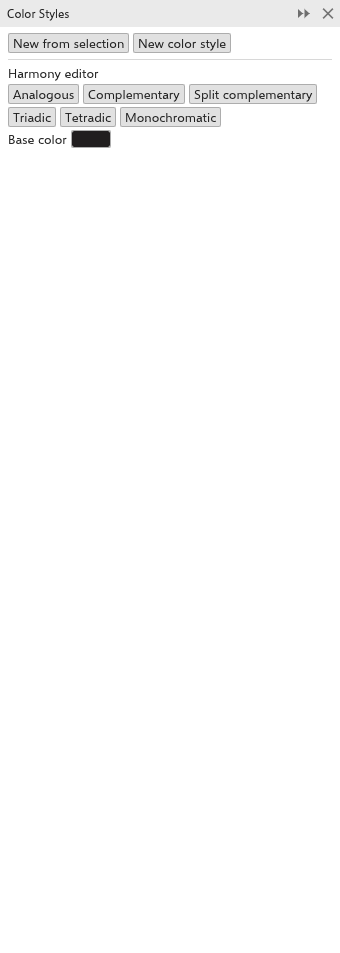
Making color styles
- New from selection adds a style for each fill color of the selected objects that is not a style yet.
- New color style adds a style of the current color of the Color panel.
Using and editing styles
Each style shows its color, its name and three buttons:
- click the color to change it: the objects filled with that color follow;
- click the name to rename it;
- Fill fills the selection with the style, Outline colors its outline;
- x removes the style (the objects keep their color).
Harmonies
The Harmony editor makes a set of styles that go together, from a Base color:
- Choose the Base color.
- Click a harmony: Analogous, Complementary, Split complementary, Triadic, Tetradic or Monochromatic.
The colors of the harmony are added as styles, named after it.
The color picker that opens from a color swatch has the same harmonies under its sliders: choose one in the Harmony list and click one of the swatches beside it to use that color.